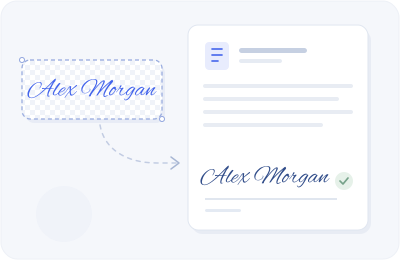
Word
Insert → Pictures → This Device. Choose your PNG, set Wrap Text to In Front of Text, then resize beside the signature line.
Your actual handwriting, with smoother ink. Use a mouse, finger or stylus, then download a transparent PNG or sign a PDF.
Open a file, place your signature and date, then save a signed copy.
Choose a signature above, or import your own transparent PNG after opening a PDF.
Transparent PNG works in everyday documents. These quick illustrations show where it goes.
Insert → Pictures → This Device. Choose your PNG, set Wrap Text to In Front of Text, then resize beside the signature line.
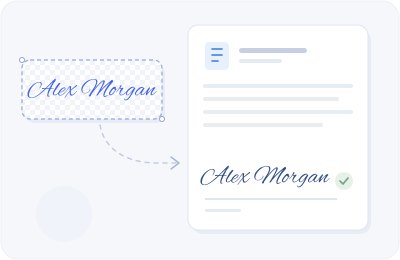
Insert → Image → Upload from computer. Select your PNG and use In front of text or Wrap text to place it.
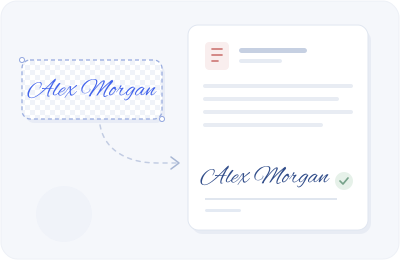
Open Sign PDF on this page, select a page, place and resize your signature, add a date if needed, then download a copy.
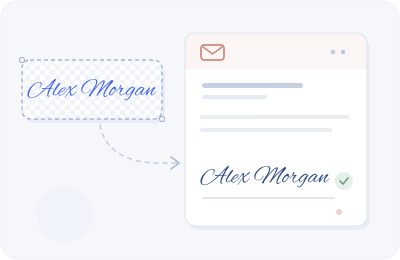
Settings → See all settings → General → Signature. Create a signature and use Insert image to upload your PNG. Save changes at the bottom.
Settings → Accounts → Signatures (or Mail → Compose and reply). Create a signature, insert the PNG and save. Menus vary by version.
Licensed font outlines, adjusted letter by letter. No AI model, no identity verification, and no server processing of your signature.



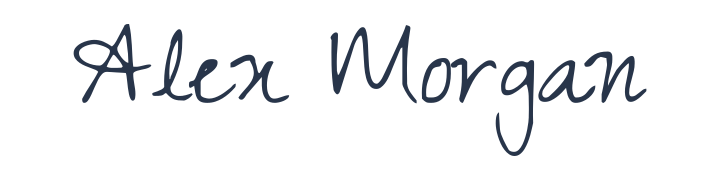
A pasted image can form part of an electronic signature, but the image alone does not verify identity or record consent. Requirements depend on the document and jurisdiction.
| What you need | Signature image / this tool | Audited signing service |
|---|---|---|
| A visible signature | Yes | Yes |
| Signer identity checks | Not provided | Depends on provider |
| Audit trail and consent evidence | Not provided | Depends on provider |
| Cryptographic document certificate | Not provided | Depends on provider |
For consequential contracts, use a signing workflow that meets your identity, evidence and regulatory requirements. This tool does not issue digital certificates or certify enforceability.
Yes. Generate, draw or clean up a signature photo, export an image, sign a local PDF and download practice sheets without signing up.
No. These tools process your name, photos and PDFs in your browser. Fonts and site assets are downloaded, but your input is not sent to a signing server. Optional saved signatures stay in this browser.
Download PNG or copy the image, then insert it into Word, Google Docs or an email signature. PNG keeps the background transparent; JPG adds a white background.
An image alone does not establish who signed, their intent or whether a document changed. Electronic signature requirements vary. For important agreements, use an appropriate authenticated signing service and seek qualified advice when needed.
The typed tool starts with licensed cursive font outlines and varies individual letter proportions, baseline and slant. Try the naturalness slider, initials and a restrained flourish. It is font-based, not an AI handwriting model.
Use the shape animation, print a practice PDF, or trace the guide on your phone. Font-outline playback illustrates the shape rather than a verified pen-stroke order.
Yes. Change pages, add signature placements and dates, and download a copy with all placements. Files must be unencrypted PDFs no larger than 25 MB.
The cursive font gallery is designed for Latin names. Use the drawing pad or upload a photo for Chinese, Arabic and other scripts; those modes preserve your own handwriting.