Handwritten study notes: a practical page-by-page workflow
Turn typed study material into readable handwritten-style revision pages with a simple layout, active recall prompts and reliable export habits.
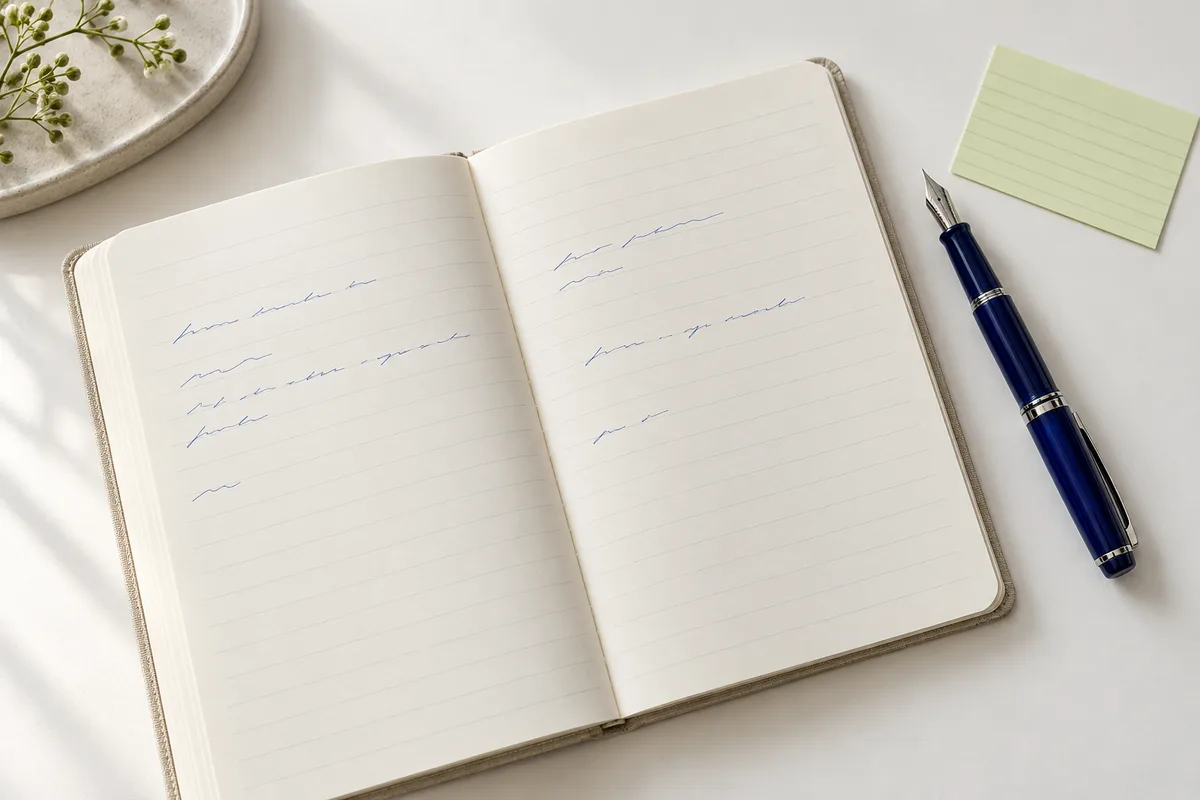
A good revision page does more than hold information. It helps you notice the main idea, check what you understand and return to the difficult parts later. Handwritten-style text can give your notes a more personal rhythm, but the useful work still happens when you select, explain and review the material. Here is a practical way to build one page without turning formatting into another assignment.
Begin with a question, not a transcript
Choose one question the page should answer. “How does photosynthesis store energy?” is more useful than “Chapter four.” Read your source, close it, and write a short explanation in your own words. Reopen the source to check accuracy. Do not paste an entire chapter and expect a change of font to turn it into a study system.
For a history topic, your page might contain a central question, three causes, one example and a sentence about consequences. For mathematics, try a principle, a worked example and a common mistake. Keep the original editable text in a document you control before opening the handwriting studio.
Give each kind of information a clear home
Start with the study-notes template. Use a short title, several small sections and comfortable space between them. A clear font and dark ink make a better starting point than a complicated palette. If you need emphasis, reserve it for a few meaningful terms rather than decorating every line.
Here is a compact example you can adapt:
Question: Why does a larger sample help an estimate?
In my words: It reduces the influence of individual observations.
Example: Compare the average of five measurements with fifty.
Check later: A larger sample does not automatically remove bias.
Notice that the page includes an explanation and a warning, not just a definition. The study notes guide has more suggestions for a consistent hierarchy.
Check the actual characters you need
Try a paragraph containing your subject’s symbols, punctuation and numbers. Some handwriting fonts cover Latin letters but not Chinese characters or specialist notation. Missing characters can appear in a fallback font and disrupt the page. Import an existing compatible font if necessary, and confirm its license before using exported work commercially.
Fonts are loaded in the browser; the studio does not train a new font from a photograph of your handwriting. Text can be typed, pasted or imported from a plain TXT file. The current text limit is 12,000 characters. PDF and Word documents are not direct text-import formats, so prepare their relevant text separately.
Make the page prompt a response
Leave a small section of unanswered questions. During revision, cover the explanation and try to answer from memory. Then correct your answer against a reliable source. A page that exposes a gap in understanding is more useful than a beautiful page you only reread.
If your class requires personally handwritten submissions, a handwriting font is not a substitute. Check the rules and use the studio for your own revision or clearly disclosed formatting. Keep a plain-text version available when sharing with someone who uses search or assistive technology.
Export deliberately, then keep a backup
Inspect each page at normal reading size. PNG export saves the current page, so check the page selector before downloading. To save the complete paginated document as a PDF, open the all-page browser print flow and choose your browser’s Save as PDF destination. Check paper size, background graphics, margins and the final page count.
Drafts and imported fonts stay local to the current browser workflow; there is no cloud draft sync. Clearing site data or changing devices can remove access to them. Save the original text, useful exported pages and your font file separately. For a final check before printing, use the handwriting print checklist.