A page that looks good on paper, too
Simple choices for margins, ink, paper size and a clean print preview.
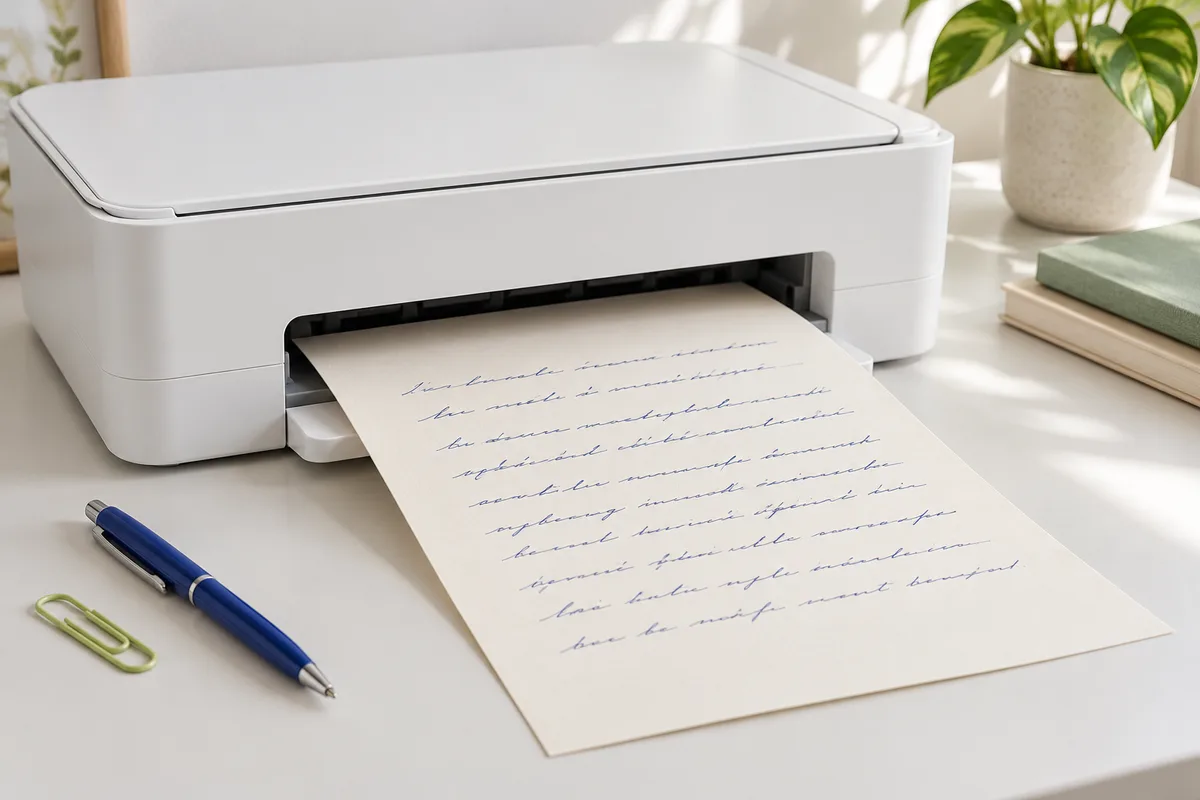
Match the paper before you print
Set your printer’s paper size to the sheet you are actually loading. A4 and US Letter differ in both width and height; the wrong choice can crop the bottom of a page or change its scale.
Use the browser print preview to inspect every edge. Set scaling to fit if the preview is cropped, then check that text remains large enough to read.
Make space for printer margins
Many home printers cannot print right up to the edge. Leave clear space around your writing and keep important details away from the bottom edge. If you will punch holes or bind your pages, leave a wider margin on that side.
Control background and browser extras
Browser print dialogs may hide background colors and paper lines unless background graphics are enabled. Turn that option on when your paper texture or ruling matters. Turn browser headers and footers off if you do not want the URL and date on your page.
These options vary by browser. If the studio’s print layout does not match your printer, export a PNG and place it in a document with the exact page size you need.
Test one sheet first
Print a single page before committing to a larger batch. Dark blue or charcoal ink usually offers better contrast than a pale decorative color. Let the first sheet guide your final spacing and ink choices.