From typed words to your first handwritten page
A five-minute introduction to the studio, from the first word to a finished page.
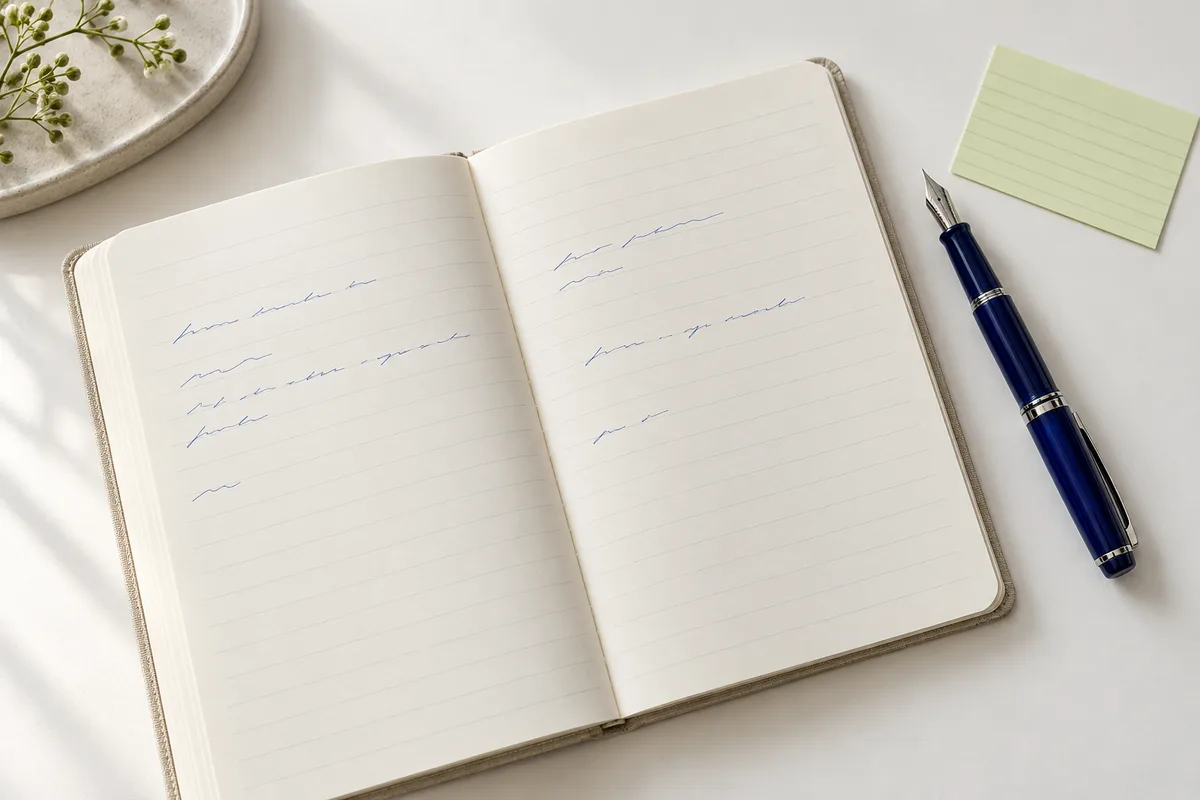
Start with the words
Open the studio and type or paste your text into the editor. A short paragraph is a useful starting point: you can see how your chosen font handles letters, punctuation and line breaks without a crowded page.
Keep your original text somewhere safe. The studio can save a draft in this browser, but browser storage is not a backup and does not sync to another device.
Choose a style that fits
Try a clear, upright handwriting style for notes and a flowing style for a personal letter. Font size changes how much text fits on the page; line spacing changes how easily it can be read.
For Chinese and other writing systems, use a font with the right character coverage. If a character looks unlike the others, your browser may be displaying a fallback font.
Give the page some room
Choose your paper, ink color and spacing. Leave comfortable margins on every side, especially if you plan to print and bind the page. If your text reaches the bottom, shorten it or use another page instead of shrinking it until it becomes hard to read.
- Use dark ink for readable study notes.
- Keep a little more space between paragraphs than between lines.
- Check the final preview at a comfortable reading size.
Keep a copy
Export the page as a PNG image to share it digitally, or use the print action to open your browser’s print dialog. Check paper size, scale and orientation before printing. For longer documents, split your content into manageable pages and export each one.