How to Create and Practice Your Signature
Compare full-name and initials signatures, simplify a design you can repeat, and use printable practice sheets and tracing to develop your own mark.
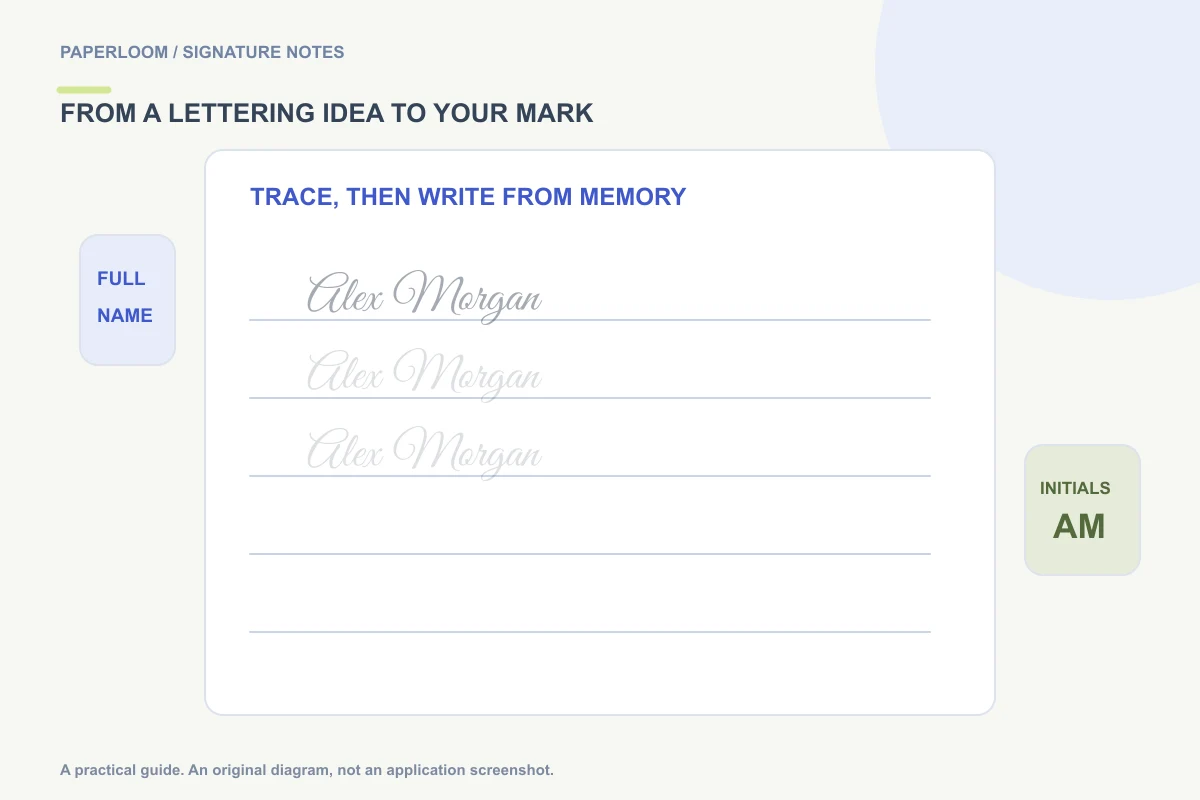
To create a signature you can actually use, choose a name form, compare a few shapes, simplify the details, and practice the result at everyday writing size. A beautiful large preview is only a starting point. Your final mark should be comfortable enough to repeat without carefully copying every curve.
The cursive signature generator is a way to explore lettering ideas. It produces font-outline variations, not an AI reconstruction of your handwriting. Use those ideas as references, or draw a mark directly if you want to start from the movements you already use.
Start with the name form
Try a full name, initials, and an initial plus surname before changing the flourishes. A short form can make a long name easier to fit, while a full name can be easier for a reader to recognize. Follow the requirements of the document you are signing rather than assuming initials are acceptable everywhere.
For a fictional “Jamie Rivera,” compare the full name with “J. R.” and “J. Rivera.” Look at how much space each form takes, which letters connect naturally, and whether you can still recognize it after reducing the size. These are design comparisons, not rules about how everyone should sign.
Choose one feature to keep
Pick an element you like: perhaps a larger first letter, a slight rightward slant, a compact last name or a restrained finishing stroke. Avoid combining every decorative option at once. A signature that depends on several exact loops may become frustrating to reproduce on a short line.
In the generator, compare styles and adjust weight, slant, spacing and naturalness. Then view the mark in a document or email context. If a flourish touches neighboring text, shorten it. If letters disappear when the mark is small, reduce compression or choose a stronger stroke.
Translate the picture into a comfortable movement
Take ordinary paper and a pen you use regularly. Write the chosen form slowly once, then repeat it without trying to trace every edge. Notice where your hand wants to pause or lift. A letter shape that looks attractive but requires awkward turns may need simplifying.
Keep the overall rhythm and recognizable features rather than treating a font outline as a compulsory pen path. The typed-signature animation reveals letter outlines for visual practice; it does not reconstruct the original stroke order. A signature drawn in the tool can replay the pointer strokes you actually entered.
Use a practice sheet in stages
Select a signature, open its customization panel and choose Download practice PDF. The sheet includes pale guide examples and blank lines. Print it at a comfortable scale, trace the pale references first, then use the blank rows to write from memory.
On a phone or tablet, the tracing area offers a screen-based alternative with a finger or stylus. It does not grade accuracy or prove identity. Paper and glass feel different, so finish with the pen and surface you expect to use most often.
A small routine can be enough: compare three versions, pick one, write several normal-size repetitions, then revisit it later. This is an editorial practice suggestion, not a guaranteed training schedule. The aim is repeatability, not a perfect copy after a fixed number of minutes.
Test the design where it will be used
Try the signature on an ordinary line, beside a date and at email-footer size. A design can work well on paper but become too wide for a form. Keep a simpler version if an elaborate ending makes placement difficult.
For digital use, download a transparent PNG and keep a vector copy if you need a design master. The file-format guide explains the differences. To put the finished mark on a document, follow the PDF signing walkthrough.
Keep ownership of the result
Use your own name or a mark you are authorized to use. The tool does not authenticate anyone, and matching another person's appearance is not proof of permission to sign for them. Save a private copy of the result only if you need it; the optional Save on this device feature stores the selected artwork in that browser rather than creating a cloud account.
For non-Latin writing, start with Draw signature or clean a photo of your own signature. The built-in typed gallery focuses on Latin-script names.